video

Upgrading OCS 2007 R2 to Lync 2010 – Part 3

Upgrading OCS 2007 R2 to Lync 2010 – Part 3

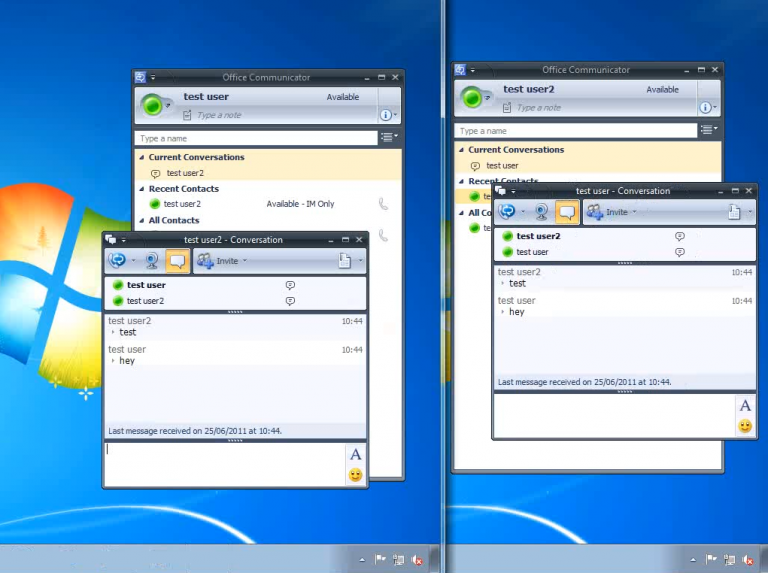
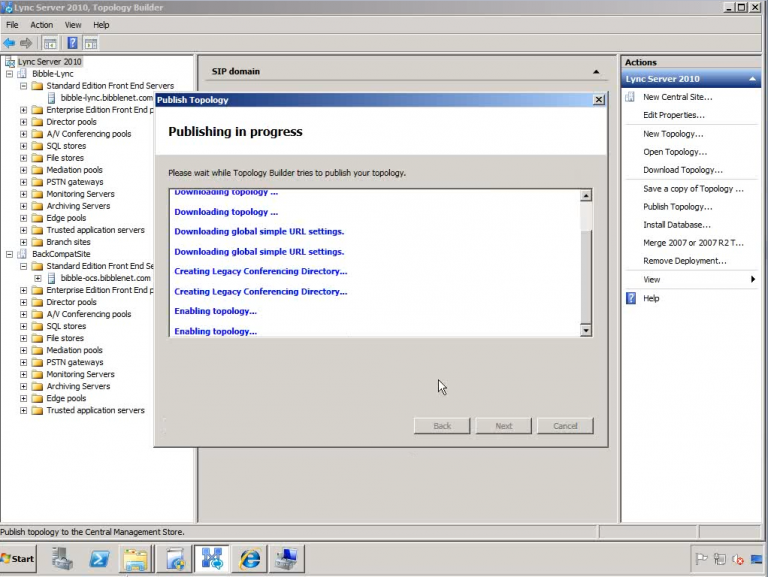
Here is the concluding part of the OCS to Lync migration video series. You can find Part1, Part2 as well as other great stuff on the homepage… In this last part we will: Create / move DNS entries to Lync Migrate users to Lync Pool Finish topology merge Upgrade clients...
Upgrading OCS 2007 R2 to Lync 2010 – Part 2

Upgrading OCS 2007 R2 to Lync 2010 – Part 2

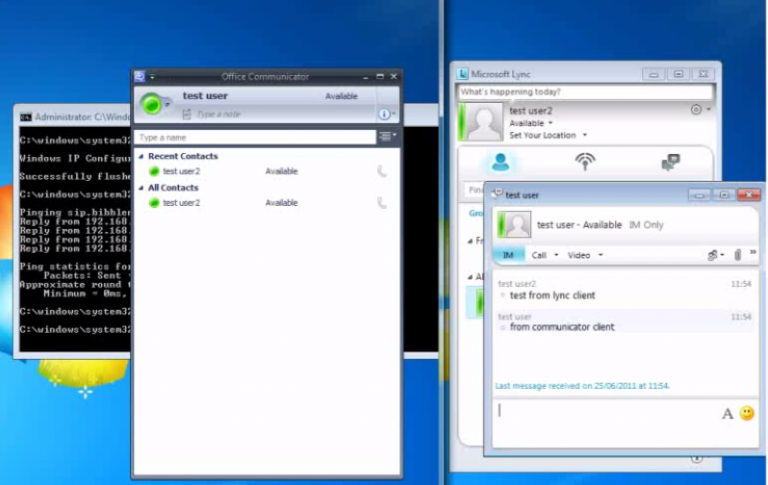
Thanks to everyone (ok well two at the time of writing) for the positive feedback on Part 1 of this series, now its time for Part 2! We’re going to pick up from where we left off by creating our Lync topology in the Topology builder tool and take things from there:...

70-680 Section 3 Module 2

70-680 Section 3 Module 2

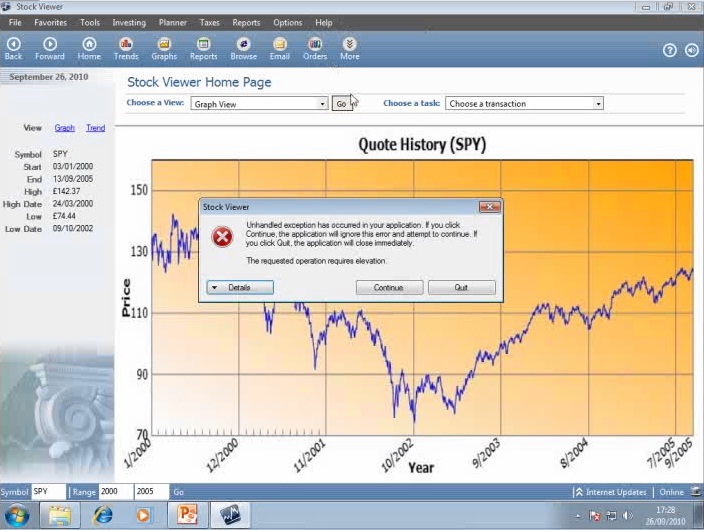
(slowly) continuing in my the series for Microsoft's Windows 7 Exam (70-680 TS: Windows 7, Configuring)! This time round we're looking at application compatibility including Windows built-in compatibility checks & ACT (Application Compatibility Toolkit) Best...

70-680 Section 3 Module 1

70-680 Section 3 Module 1

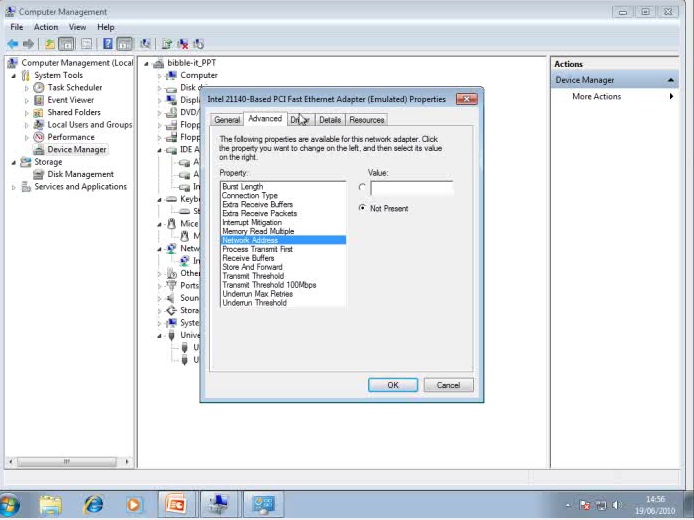
Another video in the series for Microsoft's Windows 7 Exam (70-680 TS: Windows 7, Configuring)! You know the drill by now. This time round we're looking at devices & drivers... Best viewed full screen Additional links (Homework!): Driver Verifier Understanding...

70-680 Section 2 Module 4

70-680 Section 2 Module 4

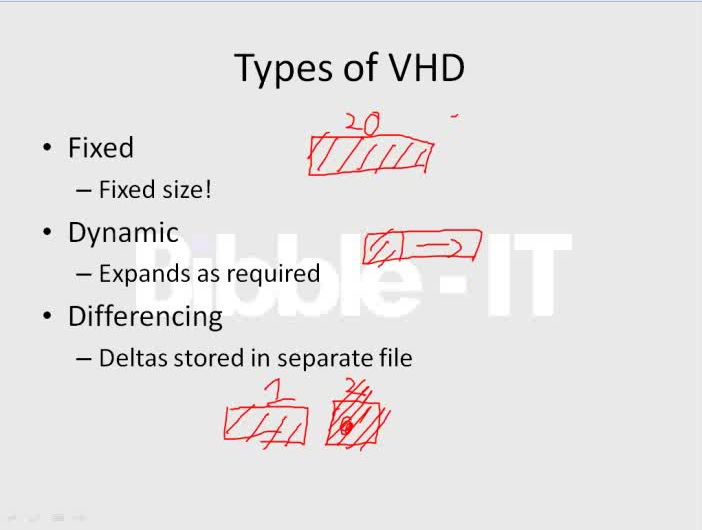
Next in my series of training videos for Microsoft's Windows 7 Exam (70-680 TS: Windows 7, Configuring) we are going to be coving VHD files: In this video we take a look at what VHD files are and how Windows 7 supports them. Make sure you check out some of the links...

70-680 Section 2 Module 3

70-680 Section 2 Module 3

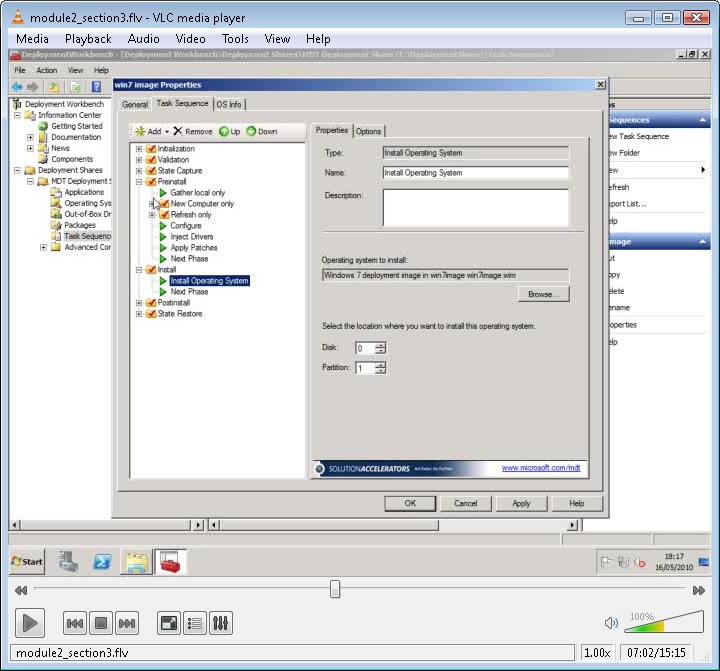
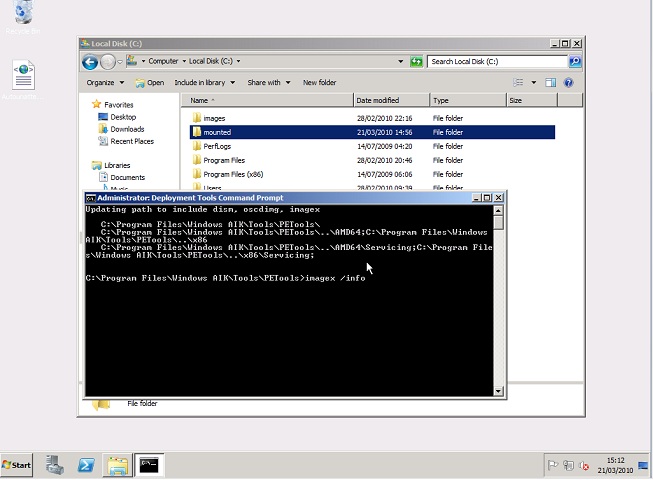
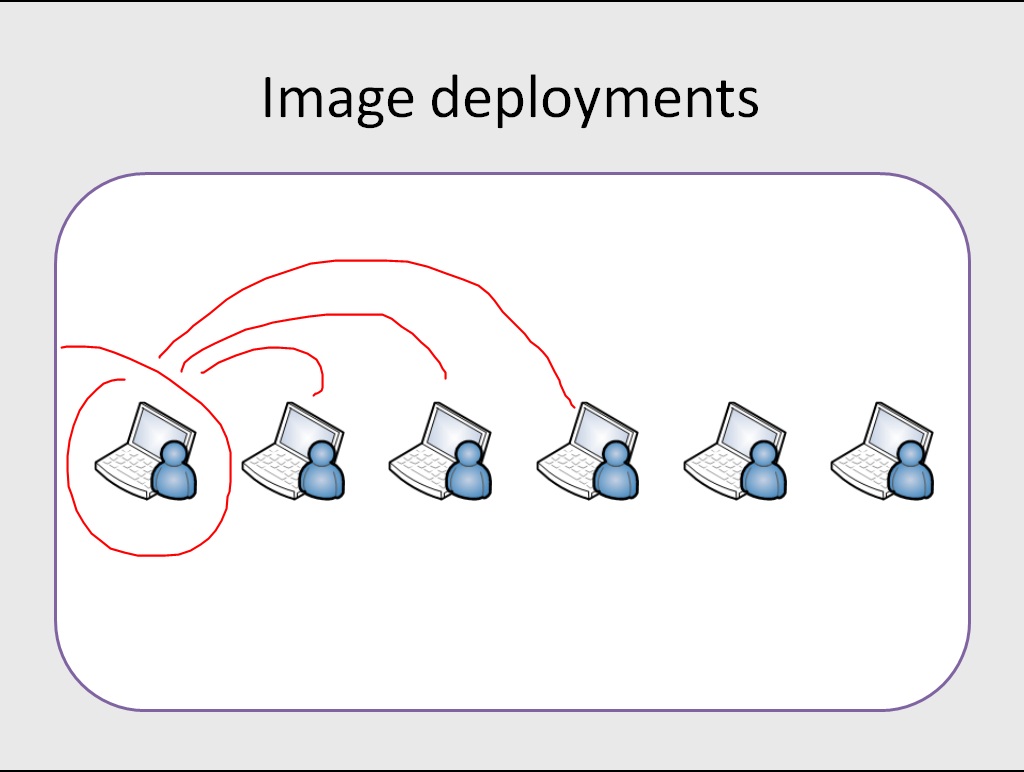
Carrying on the training video series for the Microsoft Windows 7 Exam (70-680 TS: Windows 7, Configuring) here is the next video. Today was covering how to deploy images manually using ImageX and touched on MDT and task sequences. This section build on video 5 that...

70-680 Section 2 Module 2

70-680 Section 2 Module 2

As part of my video series for the Microsoft exam – 70-680 TS: Windows 7, Configuring here is video 5!

Following on from Section 2 Module 1 where we walked through capturing a reference image, this module looks at how to modify the captured image.

70-680 Section 2 Module 1

70-680 Section 2 Module 1

As part of my video series for the Microsoft exam – 70-680 TS: Windows 7, Configuring here is video 4…

The video covers the process of creating and capturing a reference Windows 7 computer image. It also marks the start of section 2 which looks at managing deployments of Windows 7. The video comes to about 30 minutes and covers some fairly complicated topics, please feedback if you think anything needs explaining in more detail!